Hello Internet! In this post, I will write about my homelab. It is a complex setup that I have been building upon for a long time.
Raspberry Pi 5
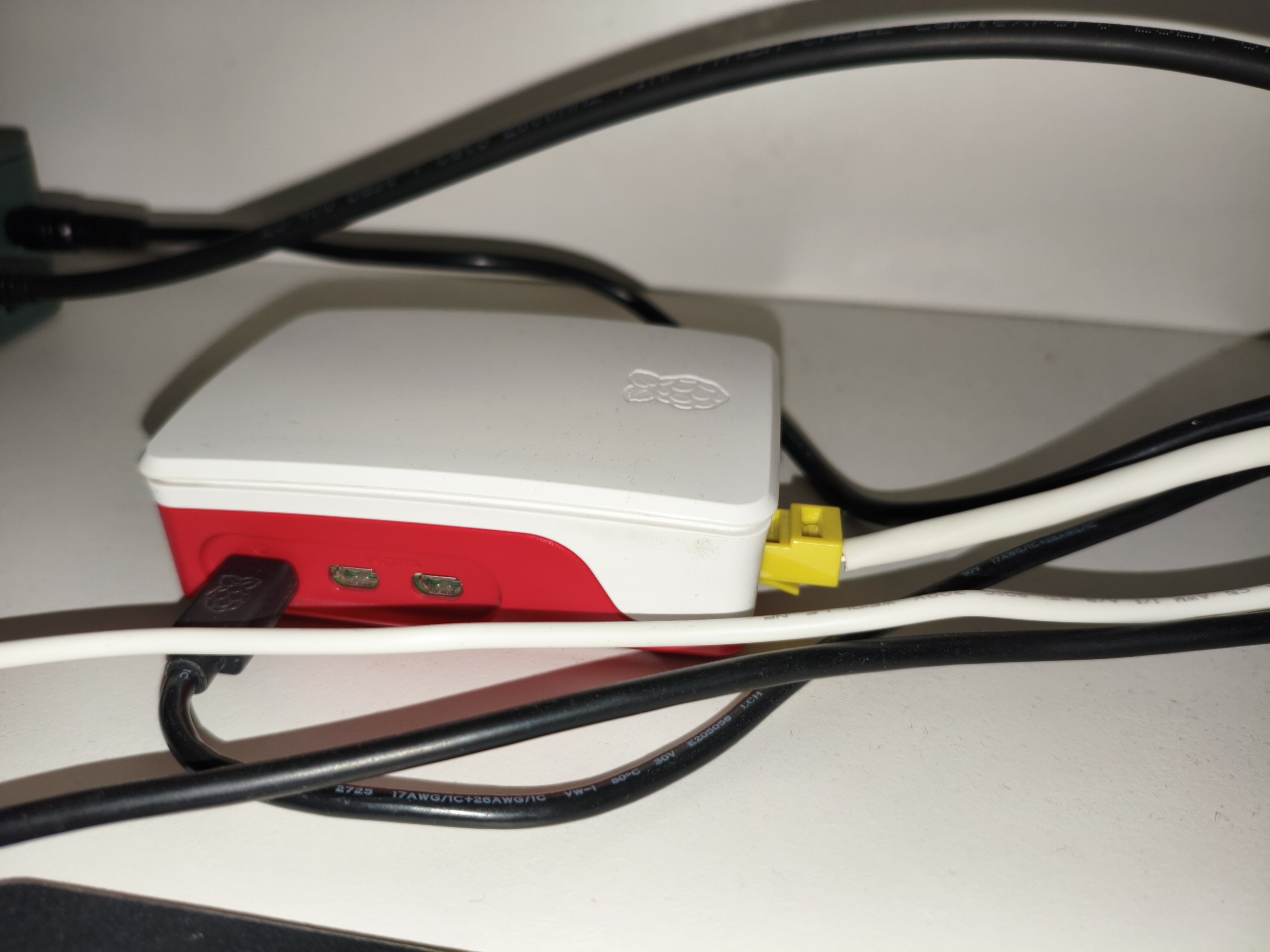
My main server is a Raspberry Pi 5 (8GB of RAM). I got it a few months after it was released and it replaced an old office PC. At first, since it was my only server, it run everything, a web server (hosting this website), Jellyfin, a Minecraft Server, Pi-Hole, an SMB share from an external HDD, and even Immich at one point (Although I decided that I didn't have enough storage and it was slow so I shut it down). It run more stuff but I don't remember them all. After I got my other server, a GMKTec G3 Plus, most of it's services where moved to it, including the Minecraft Server, Jellyfin and Pi-Hole (I will talk more about my Pi-Hole setup later). The Pi still runs Vaultwarden, Nebula-Sync, NTFY, SearXNG, Redlib, Rimgo and other web services. The Pi also runs this website.
GMKTec G3 Plus
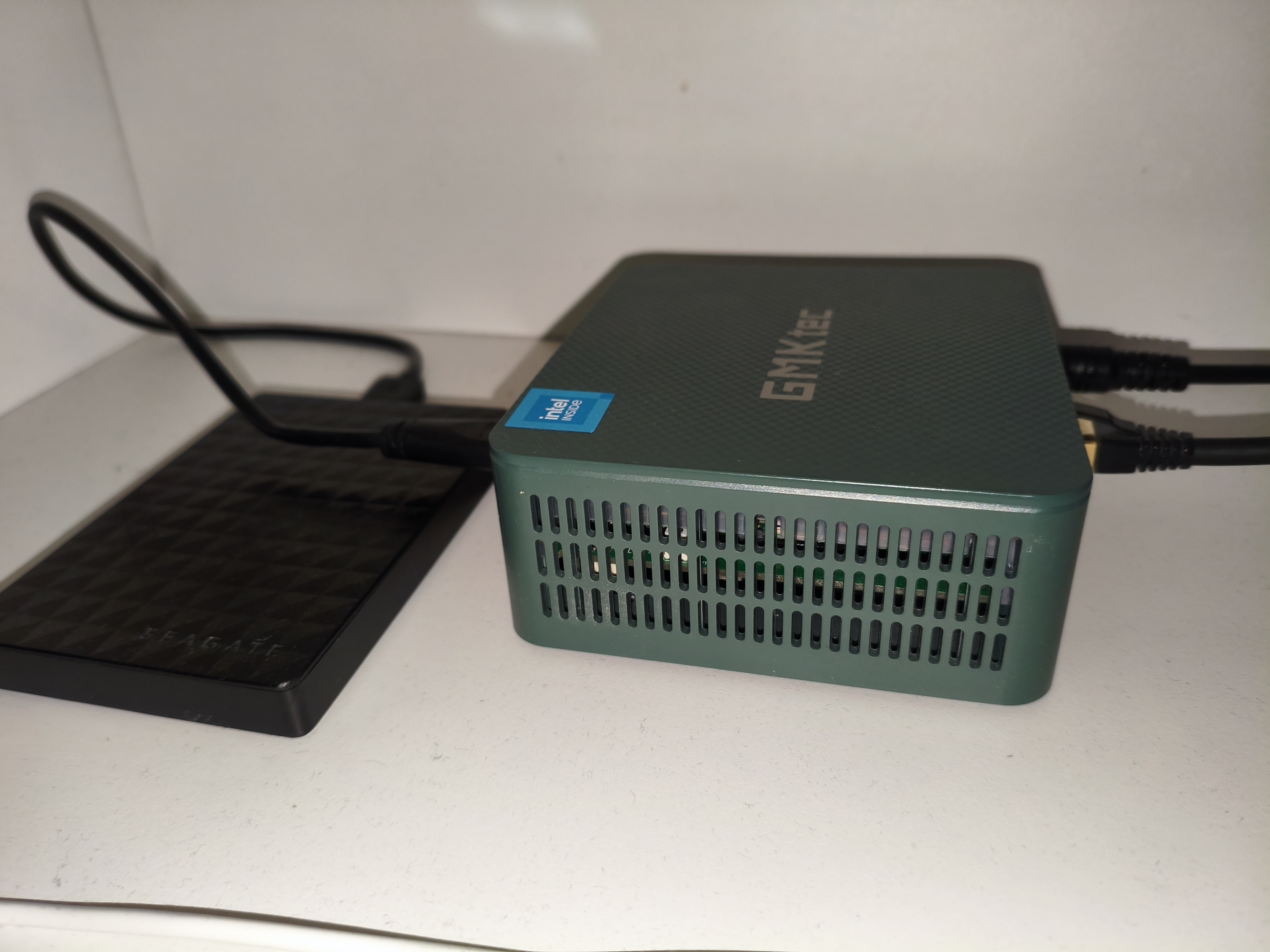
When I got this mini-pc, the main use was Jellyfin. Since the Pi couldn't handle 4K HDR transcoding, I got this to replace the Pi. However, what I shortly realized is that even this can't handle it, at least not at the bitrate I was using (120mbps). This was a big problem because I wanted to set up Jellyfin for my family to stream our GoPro home videos. Apart from that it used to run OpenMediaVault for storing data to an external HDD (instead of the Pi) and my Minecraft Server, as well as Ollama, Home Assistant OS, random Docker containers, Pi-Hole, Wireguard (with WG-Dashboard) and some monitoring tools. I used and still use Proxmox for it and I find being able to create LXC which behave like VMs but have the resource consumption of containers amazing. Jellyfin and OpenMediaVault are now moved to a NAS.
Ugreen DXP4800 Plus
I got this NAS a few months ago and it is great. I put 4 8TB WD Red drives in a RAID 5 configuration and added 2 Samsung 9100s for Read/Write Caching. It is performing great, hosting Jellyfin and streaming my home videos and legally obtained movies and shows. It is also a replacement to Google Drive/Photos for me and my family
ASUS Laptop
One day, I found an old ASUS laptop (I don't remember which one). It has a Ryzen 3 CPU, 4GB of RAM and 256GB of NVMe Storage. I decided to put it to good use by installing Proxmox and adding it to a cluster with the GMKTec G3 Plus. It now runs Pi-Hole, and monitoring tools as well as the Docker LXC that was previously on the mini-pc. It is connected with a Powerline to my router (Limiting it's bandwidth to 100Mbps) and is mostly used for monitoring and Pi-Hole.
My Pi-Hole setup
Pi-Hole is a big topic so I gave it it's own section. At first, I didn't really use Pi-Hole on most devices apart from a few Smart TVs and my phone. Since it was unreliable because it was running on one device (The Pi) and was unstable (The Pi used to crash frequently because of all the load it had). After I got the GMKTec G3 Plus, I moved Pi-Hole there on an LXC, but the mini-pc was also unstable due to frequent experimenting and high load. I then decided to experiment with high availability DNS. At first, I installed Pi-Hole on my Pi and on the mini-pc. I then installed keepalived on the Pi-Hole LXC and on the Pi and configured the LXC to be the master and the Pi to be the backup. The problem was that while traffic was shifted to the Pi when the LXC was down, I couldn't get Pi-Hole to respond to queries on the Pi (Even though I set respond to all origins). When I setup Proxmox on the laptop, I decided to add another Pi-Hole LXC there and installed it along with keepalived. And finally, it worked! I had high availability Pi-Hole. I could shut one node down and have the other respond to queries. Right now, it is used on my PC, the Smart TVs and my Wireguard VPN and once I verify it is stable enough, I will put it on my router so it is used by every device and I don't have to configure it manually.
My networking setup
My networking setup is really simple. At first, I was using a VDSL connection (100Mbps Down/10Mbps Up). However, recently, I upgraded to a fiber connection (1Gbps Down/500Mbps Up). I have never had a custom router and always used the one from my ISP. This is also the case now, although I am thinking of getting a custom one. I have in-wall ethernet runs to my desk. On it, there is a switch (TP-Link, Unmanaged, 1G), on which my PC, the NAS, the Pi and the mini-pc are connected.
How I expose my services to the Internet
Over the years, I have used a lot of ways to expose my services on the web. At first, because I was scared to mess with the router, I used Twingate. I then got Cloudflare Zero Trust and used tunnels to forward to the Internet. Unfortunately, my ISP blocks me from forwarding port 443 (When I tell them I can't forward it they tell me it's a problem with my devices, even though I have made sure the problem is not with my devices.) Therefore, I can't run a reverse proxy and still rely on Tunnels to expose stuff. However, I have exposed my NAS as well as IRC and Wireguard successfully. I am also thinking of getting a VPS and ditching Cloudflare as I don't like relying on third-party services.
Overall, I am really happy with this homelab. I rely on it on a daily basis and it has never let me down, although I will always be expanding it with new services and hardware. The journey never ends!